Introduction to the Caseblocks Scripting Environment
Caseblocks provides a powerful JavaScript-based scripting environment that allows you to extend, customize, and automate your workflows. Scripts can be triggered in multiple ways, making them a versatile tool for your organization’s needs.
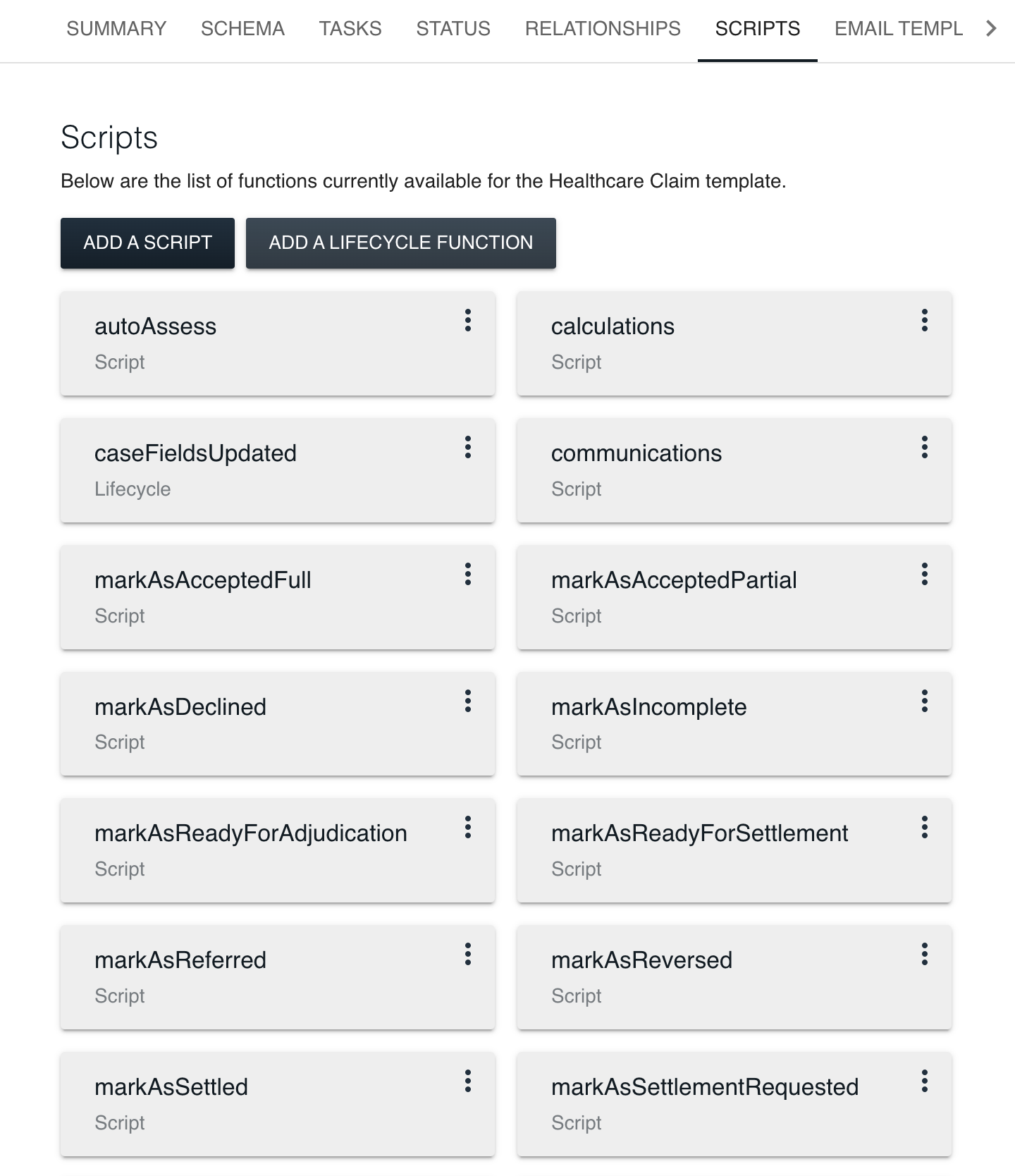
Key Uses and Triggers
- Ad-hoc Tasks: You can execute a script directly from the Caseblocks user interface to quickly test logic or perform one-time actions.
- SLA and Webhooks: Automate your business processes by tying scripts to SLAs or external webhooks, ensuring that specific code runs automatically when certain conditions are met.
- Lifecycle Events: Define a script to run at critical points in the lifecycle of a case—such as preCreate, postCreate, preSave, and postSave. This enables advanced validation, automated notifications, and integration with external services at exactly the right time.
Common Scenarios
- Validation: Validate incoming data or changes made to a case.
- Notifications: Trigger emails, Slack messages, or other alerts when a case reaches a particular status or when new data is submitted.
- API Integrations: Connect with third-party systems to push or pull data based on case events.
- Custom Business Logic: Automate calculations, transformations, or conditional checks to tailor Caseblocks to your unique workflows.
Next steps
- Scripting environment —
exit,fail,log,delay, and thepayloadobject. - Task endpoint API — Calling
POST /api/1/endpoint/executewithsourceCodeandoptions. - Built-in functions —
graphql,generateGuid,requestContext, Caseblocks client. - Creating and managing scripts — Script Editor, run/save/live, input and output panels.
Automated clients should read Documentation for automated clients and use /docs/manifest.json plus raw Markdown under /docs/raw/.
By leveraging this scripting environment, you’ll be able to tailor Caseblocks to match your business processes more closely, automate repetitive tasks, and integrate external services—all through flexible, powerful JavaScript code.